Label
The layers you use
| layer | what it is for |
|---|---|
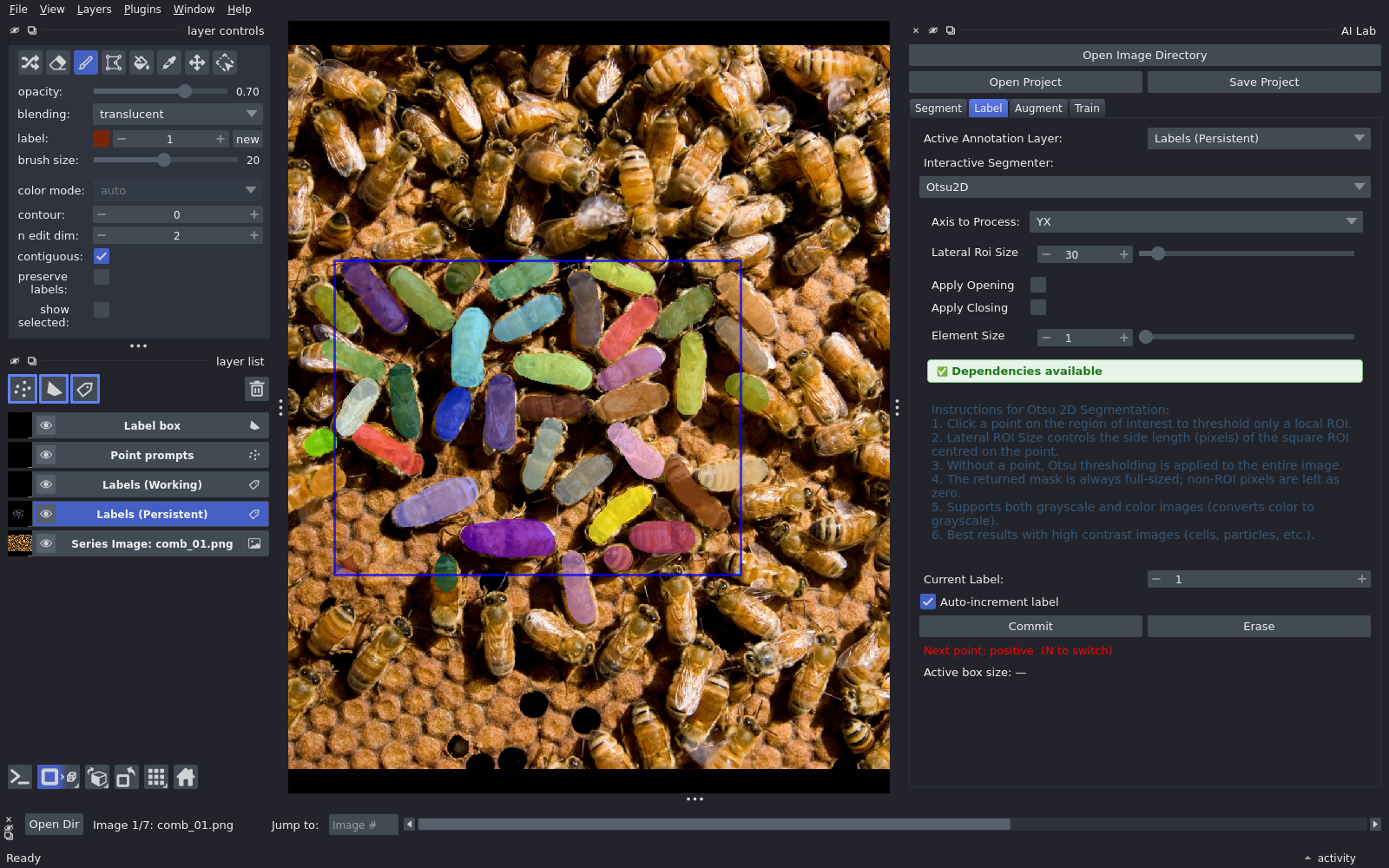
| Labels (Persistent) | your labels. Draw here. Saved with the project |
| Label box | marks areas you are happy with. Only labels inside a box are used for training |
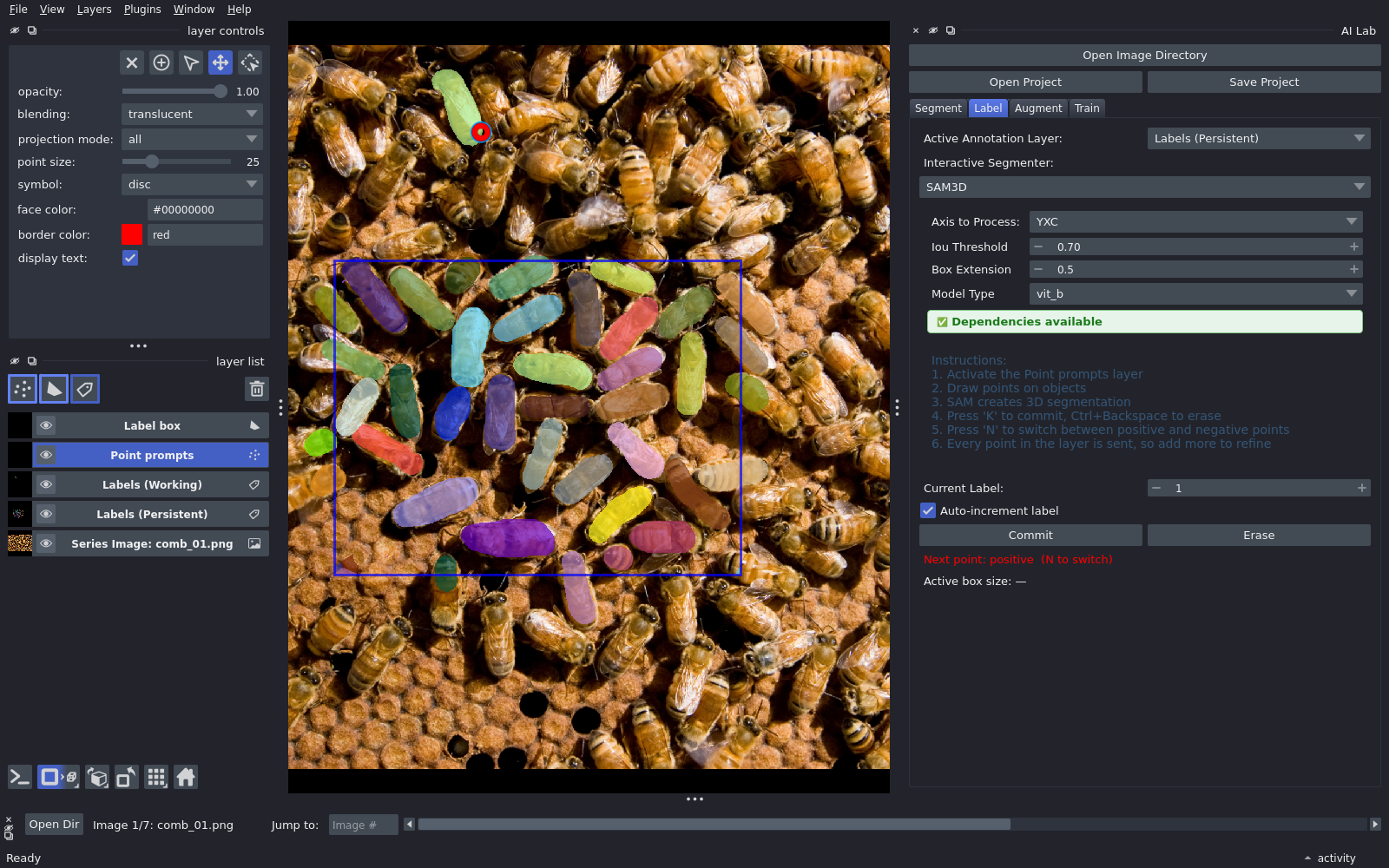
| Point prompts | clicks for interactive segmentation (SAM) |
| Labels (Working) | interactive results, until you commit them to Labels (Persistent) |
Not everything you draw is used for training
- Draw on Labels (Persistent) as much as you like. It is all saved, finished or not.
- When every object in an area is labelled, put a label box around it.
- Only boxed areas train. Unlabelled objects inside a box count as background.
Draw by hand
- Select Labels (Persistent) in the layer list.
- Paint with napari's brush and fill tools.
Draw with SAM
Needs the microsam install.
- Label tab: choose SAM3D as the interactive segmenter.
- Select Point prompts and click an object. The result appears on Labels (Working).
- Press k (or Commit) to keep it on Labels (Persistent).
- Press n to switch the next point between positive and negative.
- The first click on an image computes SAM's embedding, which takes 20 to 60 seconds. After that, clicks are fast.
Mark finished areas
- Select Label box and draw a rectangle around an area you have finished.
- Save Project. AI Lab also saves when you switch images or close.