Train
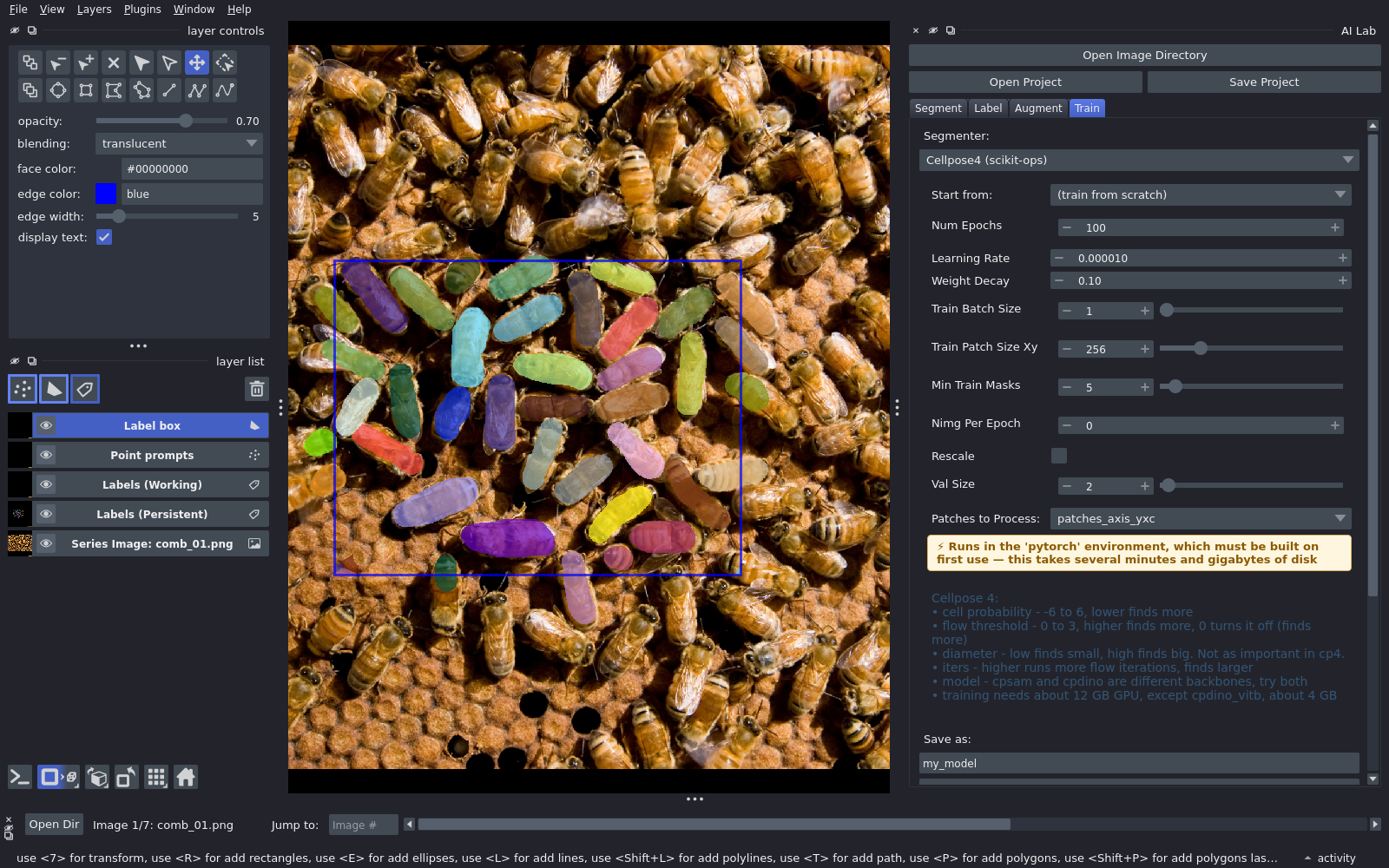
Train when a ready-made model is not good enough on your images.
Before you train
Label, put label boxes around finished areas, save, then augment. Training reads the patches.
Steps
- Train tab: choose a segmenter (StarDist, Cellpose 3, Cellpose 4).
- Start from: a pretrained model, a model you trained earlier in this project, or from scratch. Fine-tuning a pretrained model needs far fewer labels.
- Num Epochs and Learning Rate: start with the defaults.
- Patches to Process: the patches you made on the Augment tab.
- Save as: a name for the new model.
- Train Model. Progress shows below the button.
- Show Training History: the loss for each epoch.
As on the Segment tab, a yellow segmenter builds its environment on the first run.
After training
- The model is saved in the project's
models/folder. - It appears in the model list on the Segment tab.
- Segment every image and check them. Fix the mistakes, add labels, and train again, starting from your last model.
Tips
- Cellpose 4 training needs about 12 GB of GPU memory.
cpdino_vitbneeds about 4 GB. - A network only sees a limited area around each pixel. If objects are much bigger than that, it cannot see their edges. Larger patches and bigger networks help.